 Page SEO Check
Check the SEO basics of any page in one click.
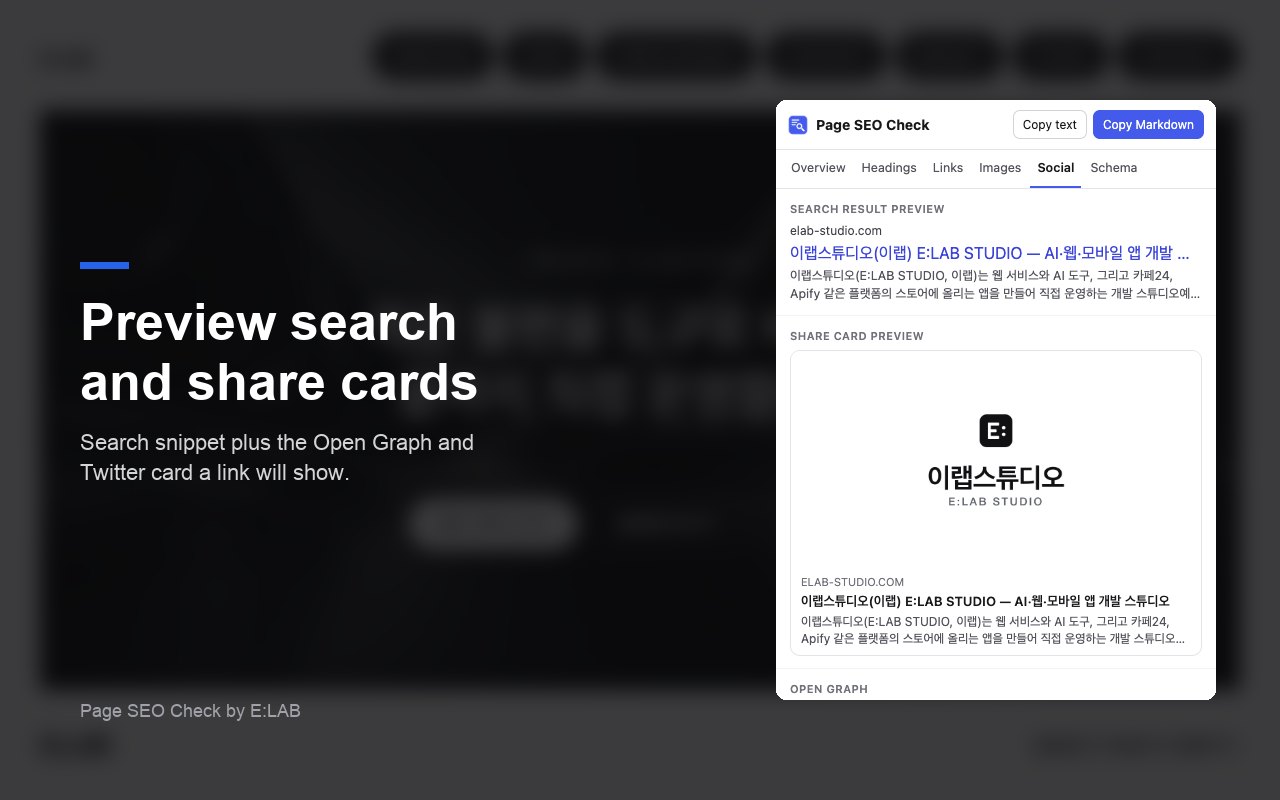
Page SEO Check reads the page you are on and shows its title and description length, canonical, robots rules, heading outline, missing alt text, links, social share cards and structured data. Copy the whole report as text or Markdown.
Coming soon to Microsoft Edge Add-onsPrivacy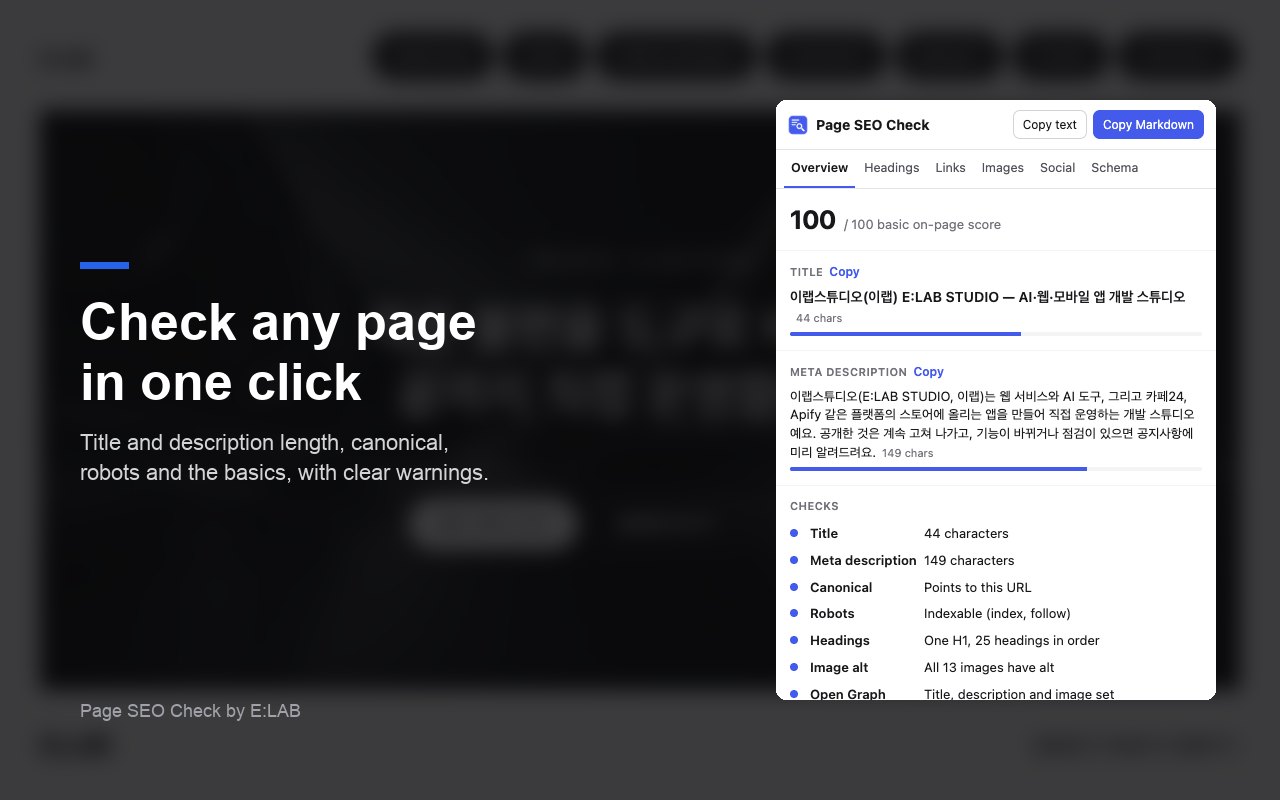
What it checks
Length in characters with a bar and a warning when they are missing, too short or likely to be cut off.
Canonical URL, robots meta, the X-Robots-Tag header, hreflang, viewport and language.
H1 to H6 counts and an outline that marks a missing or repeated H1 and skipped levels.
Images without alt text, plus internal, external, nofollow, ugc and sponsored link counts.
Search snippet preview, Open Graph and Twitter card tags with a share card preview.
JSON-LD types, parse errors and microdata types. Site verification tags for Naver, Google, Bing and Yandex.
How to use
Open any web page and click the Page SEO Check icon in the toolbar. Switch tabs to see headings, links, images, social tags and structured data. Use Copy text or Copy Markdown to paste the report into a ticket, doc or chat.
The extension only reads the page when you click its icon. It needs no account and keeps nothing.